
Tarot Software for Desktop
Lay a spread out on screen, keep every position, orientation and question as structured data, and open the same reading months later. The 78-card reference and Newton sit in the same window.
Core tarot capabilities
Spreads as structure
Every draw stores its layout, positions, orientations and question. A reading becomes a layout you can inspect, not a paragraph you have to trust.
All 78 cards, in the app
Major arcana and the four suits, upright and reversed, come from a maintained reference — so a card is never explained off the cuff.
Read position by position
The same card is shown separately in “challenge” and in “advice” instead of being blended into one answer.
Sessions you can reopen
Draw the same question weeks later and compare which cards came back. Every session keeps the spread it came from.
One reading, one workspace
Question, spread, card text and Newton stay in the same window. The desktop demo below runs the real interface.
The same deck, inside the desktop app
This is the real window, not a screenshot — question, spread, reversals and Newton in one place. When the replay finishes you can drag it yourself.
The draw you just did on the web becomes a saved session you can reopen in the app.
How a session runs
State the question
Write what you are actually asking. It is stored with the spread, so a reading is never separated from what it was meant to answer.
Lay out the spread
Pick a layout — one card, three, five, the Celtic cross or a decision spread — then draw card by card.
Read by position
Card first, then its position, then the cards against each other. The workspace keeps those three layers apart instead of merging them.
Continue with Newton
Ask follow-up questions against the recorded spread. The AI reads the structure on screen, not a retyped summary.
Explore tarot with Mystilink
Spread builder
Lay out one to ten positions, name them yourself, and reuse the layout for the next reading.
78-card reference
Major arcana, wands, cups, swords and pentacles, each with upright and reversed text.
Reversals recorded
Decide whether this reading uses reversals before drawing; the setting is stored with the session.
Session history
Every draw keeps its date, question and spread, so a later reading is compared rather than remembered.
Layout-aware AI
Newton answers questions about the spread in front of you, and stays inside it.
Why keep tarot on the desktop?
A browser draw is the fastest way to look at one card. A desktop workspace is for readings you intend to come back to.
| One-off web draw | Mystilink Desktop |
|---|---|
| Result disappears on reload | Session saved with its spread |
| Card text looked up elsewhere | 78-card reference in the app |
| Notes in a separate document | Question and reading together |
| Generic chatbot | AI that reads your layout |
Four things the workspace keeps apart
These are the parts of a reading that paper and screenshots lose — and the reason a spread is stored as data here.
Position over cardThe same card answers a different half of the question.
A card in “advice” is read differently from the same card in “challenge”. Storing the position is what lets the app explain one card twice, in two directions, without inventing a compromise.
Position over card →Orientation as a settingReversal is a convention, so it is recorded, not inferred.
Some traditions read reversals, some do not. The workspace asks before the draw and stores the answer, so a reading keeps the convention it was made under instead of being re-read by a later one.
Orientation as a setting →Question attached to spreadA layout without its question cannot be read again.
The question is the half of a reading that is easiest to lose. Keeping it with the spread is what makes a session comparable months later, and what stops a re-read from quietly turning into a different question.
Question attached to spread →Sessions instead of screenshotsA saved session can be compared; a screenshot can only be looked at.
Each session holds the date, deck, layout and draw. That is the minimum needed to ask “which cards came back”, which is a question a pile of screenshots cannot answer.
Sessions instead of screenshots →
What people say
Notes from people who practise tarot, about drawing, reading, and keeping records.
I used to read one card and stop. Now I look at the position first, read all three, then go back to the first one — it is a completely different story.
The 78 entries are the only part I keep coming back to. They never tell me what to do, they just say clearly what the card has meant.
The reversal toggle is useful. I read upright only for six months, then added reversals — starting with both at once would have drowned me in two rule sets.
Writing the question down is what gave the draw a direction. Before that I drew at random and had no idea what I was looking at.
Keep reading
A few articles on tarot: how to ask a usable question, why the edition of a card matters, and tarot before modern divination.
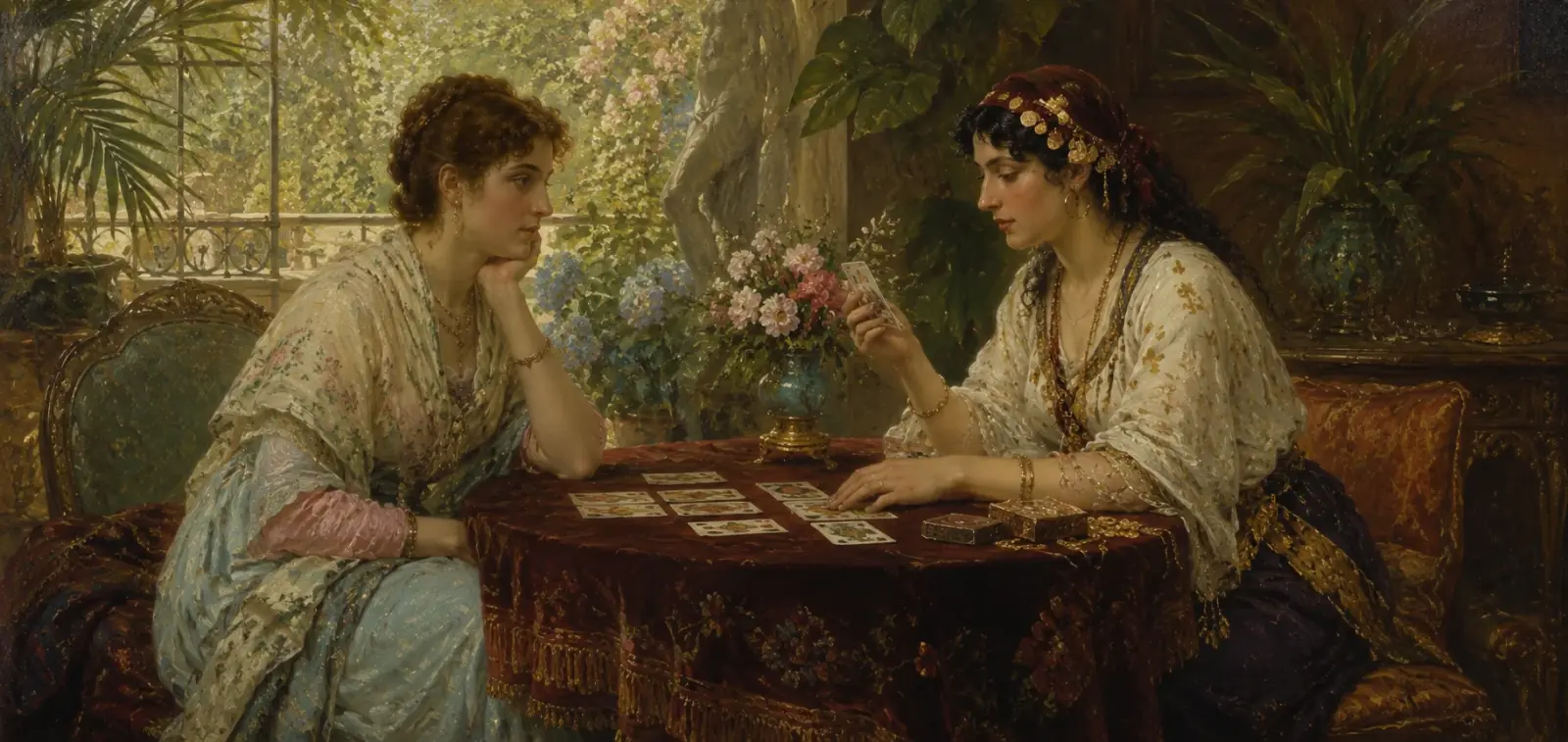 Basics
How to write a focused tarot question
Turn a vague tarot question into a manageable reflection exercise with a clear subject, useful spread positions, and room for disagreement.
 Card meanings
Why the edition matters when studying a tarot image
A tarot title can stay familiar while its picture changes. Comparing editions reveals how composition, publication choices, and commentary shape an interpretation.
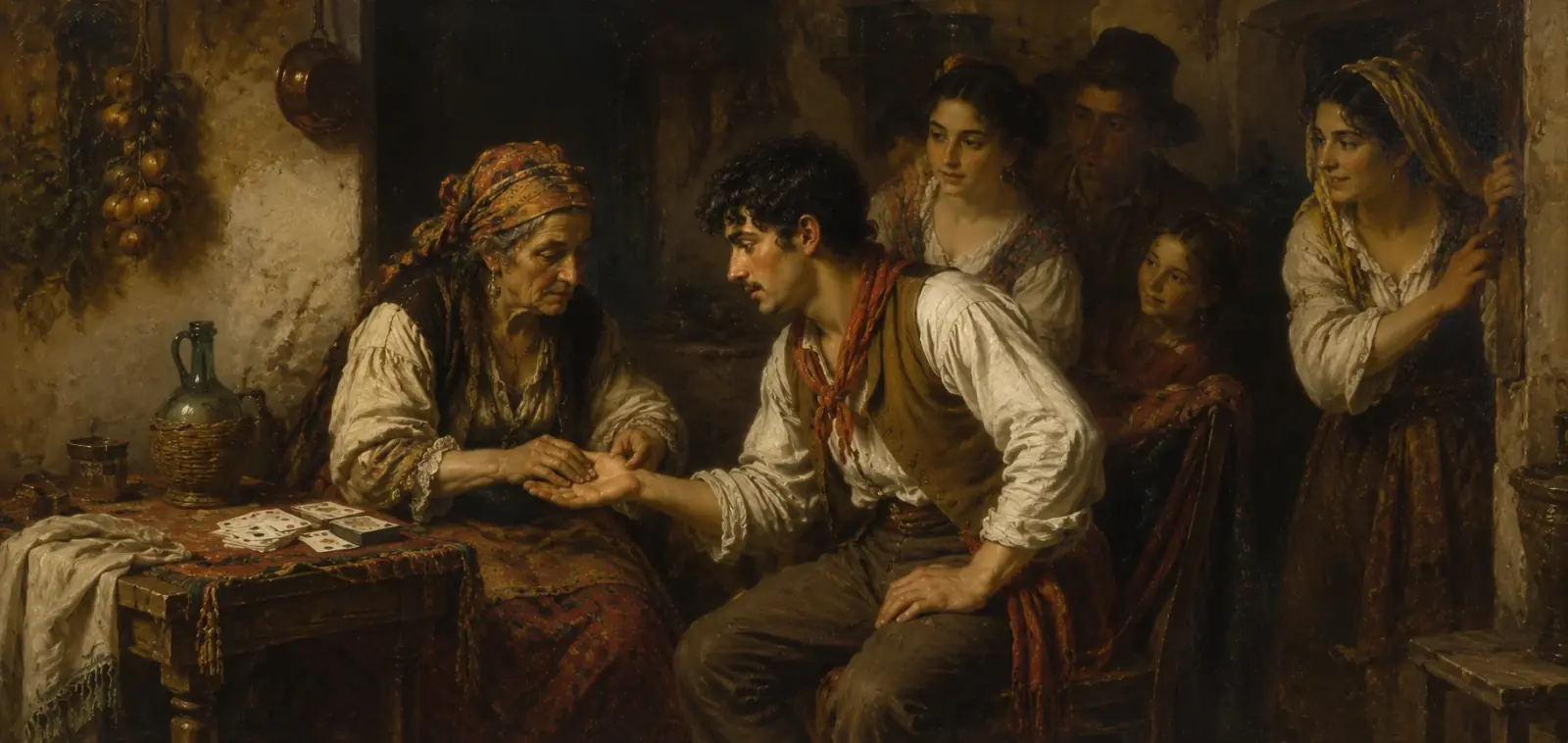 History
Tarot before modern divination
Surviving cards place early tarot in a culture of games and commissioned objects. What those objects can establish, and where a modern reading adds a new layer.
From a card reading to AI tarot interpretation
The web version finishes one reading properly. If you want to keep the spread and compare it months later, the Mystilink Agent picks up from there.
Easy to finish in a few steps
Draw and lay out
One card, three cards, or the Celtic cross, with an optional reversal switch and one flip at a time.
Four layers of reading
The card, the position, your question, and the cards against each other — in that order.
All 78 meanings
Every card links to its full entry, and you can come back to the same spread.
Then continue in the Mystilink Agent
Spreads kept as structure
Positions, orientations, and the question are stored together — not flattened into a paragraph.
Reasoning by position
The same card is explained separately in "challenge" and in "advice" instead of blended into one answer.
Compare across sessions
Ask the same question weeks later and see which cards came back.
This page does not generate AI commentary. Card meanings here come from a knowledge base maintained by Mystilink Agent's tarot practitioners, and the model is not allowed to improvise over it — which is what makes these explanations checkable.
Go past the draw with Newton
Newton LLM continues the reading once the cards are laid out — inside the same app, with the spread still in front of you.
- Ask about one position at a time
- Keep the question attached to the answer
- Compare two spreads months apart
- No third-party API keys required
Built for
- People who read tarot regularly and want a record
- Practitioners keeping each client session separate and local
- Learners moving from memorising cards to reading positions
- Anyone who wants cards explained by a maintained reference, not an improvised answer
FAQ
What is Tarot software?
Tarot software lays out an interactive spread and keeps its positions and orientations as structured data; Mystilink holds that spread in a persistent desktop workspace.
Each card keeps its place in the spread and its upright or reversed orientation, so the reading rests on a recorded layout.
- Structured spread: positions and orientations are stored as data.
- Interactive layout: you build the spread on screen, not on paper.
- Persistent workspace: profiles and spreads are saved for later sessions.
Does Mystilink run on Mac?
Yes. Mystilink is a desktop application with builds for macOS and Windows, so a Mac is a fully supported platform.
Charting, the analysis panels and the AI layer all run inside the same installed client, which means your profiles and charts stay on your own machine.
- Native app: macOS and Windows ship as one product with the same features.
- Local work: profiles and charts are stored on your machine.
- No cut-down mode: nothing is Mac-only or Windows-only.
Does Mystilink support Windows?
Yes. Windows is a fully supported platform, shipped as the same product as the macOS build.
Download the Windows installer, sign in or register, activate the desktop app, and the same workspace, charting tools and AI layers are available.
- One product: macOS and Windows share the same feature set.
- Activation: sign in or register, then activate the client.
- Local storage: profiles and charts remain on your machine.
Can Tarot reading be combined with an AI layer?
Yes. Once the spread is structured you can continue with an AI Tarot reading inside the same app, without retyping the draw into a separate chat tool.
The AI layer reads the same positions and orientations you recorded, so its interpretation stays anchored to the spread on screen.
- Same spread: the AI reads the layout the tooling produced.
- No switching: nothing is copied into an external chatbot.
- Traceable: each statement maps back to a card and a position.
Build the spread first, then let the AI layer interpret it.
Does Mystilink support related systems?
Yes. The same desktop product also covers Liu Yao (六爻), Western natal astrology, BaZi and Zi Wei Dou Shu workflows, so those systems do not need separate applications.
Profiles are shared across the workflows, which keeps data entry consistent when you move between a card spread and a chart.
- Liu Yao (六爻): six-line divination with recorded moving lines.
- Western natal astrology: planets in signs and houses with aspects.
- Shared profiles: one desktop app with consistent data entry.
Is Mystilink a web app or a desktop app?
Mystilink is a desktop application; the website is not the product.
The site exists for download, account, pricing and product documentation, while all charting and reasoning run in the installed client on your own machine.
- Desktop app: analysis runs in the installed client.
- Website role: download, account, pricing and docs only.
- Local by design: your data is not processed in a browser tab.
How do I get started?
Download Mystilink, sign in or register, activate the desktop app, then open the Tarot spreads workflow and load a profile.
Setup is deliberately the same for every system: install once, generate the chart first, and only then ask the AI layer, so answers always rest on computed structure.
- Install: download the build for macOS or Windows.
- Activate: sign in or register with your account.
- Open the workflow: choose Tarot spreads, then load or create a profile.
Generate the first chart before asking questions; everything else builds on it.
Draw on the web, keep it on the desktop
The 78-card guide on /tarot is free. When a reading is worth revisiting, the app keeps the spread intact.